Internet Technology Week 2 Practical
1. Create your timetable
Create a new file called timetable.html and save it in the folder
session2 within your U drive internet tech folder. Recreate your timetable using the table tags and attributes discussed in todays the lesson. It should resemble the example below:

Remember, you can use <br> or <p> tags to create new lines. You can also wrap text in the <strong>..</strong> tags to create a bold effect. It's fine to use these tags within a <td>, <th> table cell.
2. Validate your work so far
Use the W3C Validator to ensure all your work so far is valid.
3. Advanced optional task
This task uses the power of HTML5 video and GitHub
Note, I don't provide information in the notes on how to do this. You need to read around the task items in order to complete this task:
- Install git on your computer git download
- Sign up to GitHub
Work out how to create a https://pages.github.com/
Within the gitHub pages directory on your local computer create a index.html file
Work out how to download save and include this script into index.html. You should try and include it as a external javascript file
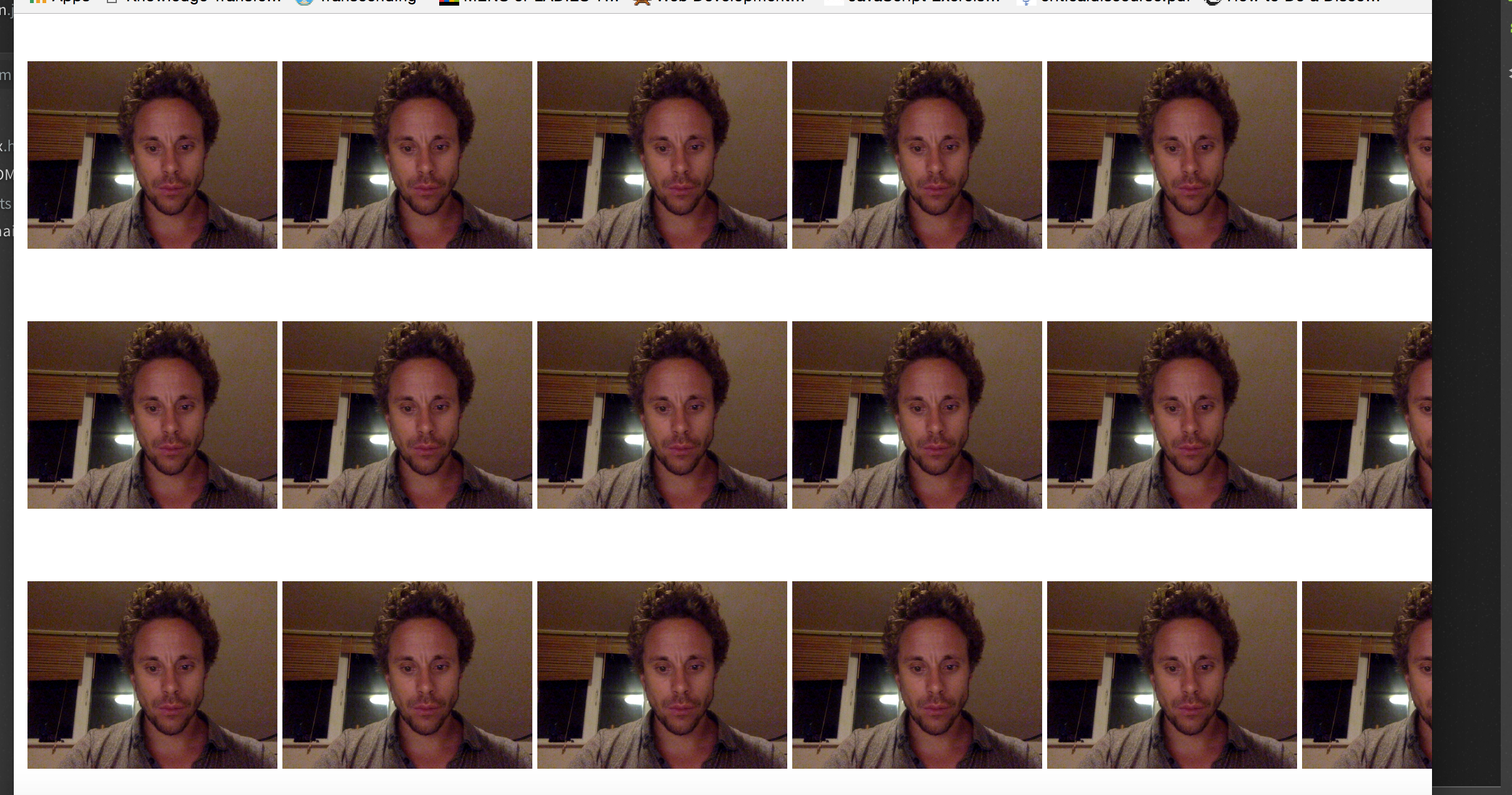
If you've included the script properly, every time you include the tag below into your index.html file, you'll see a 200*200px streaming video from you webcam:
html <video class="video" width="200" height="200" autoplay>
- Using a table create a webcam mosaic like mine below:
- Publish your work to gitHub pages
- Email me the link ([email protected]).
- Pat yourself of the back, you're well ahead of the curve